



Program to download music from Spotify
Spotify has meant a revolution to how we listen to music. If the physical format was already about to disappear with the arrival of MP3, this online music streaming service (that's not the only one of its kind: Deezer, Pandora, SoundCloud...) is even challenging the supremacy of this format, allowing us to take music with us wherever we go without needing to download anything (although it's true that it includes an offline mode). However, there still are people that aren't too keen on the idea of paying a monthly flat rate to listen to music and prefer to download music to carry it around on their players or load it onto their phone. And these people can download Spotydl for PC to download music from Spotify.
The arrival of Spotify has led to the abandonment of music downloads and songs in MP3 format.
How to download music with this program?
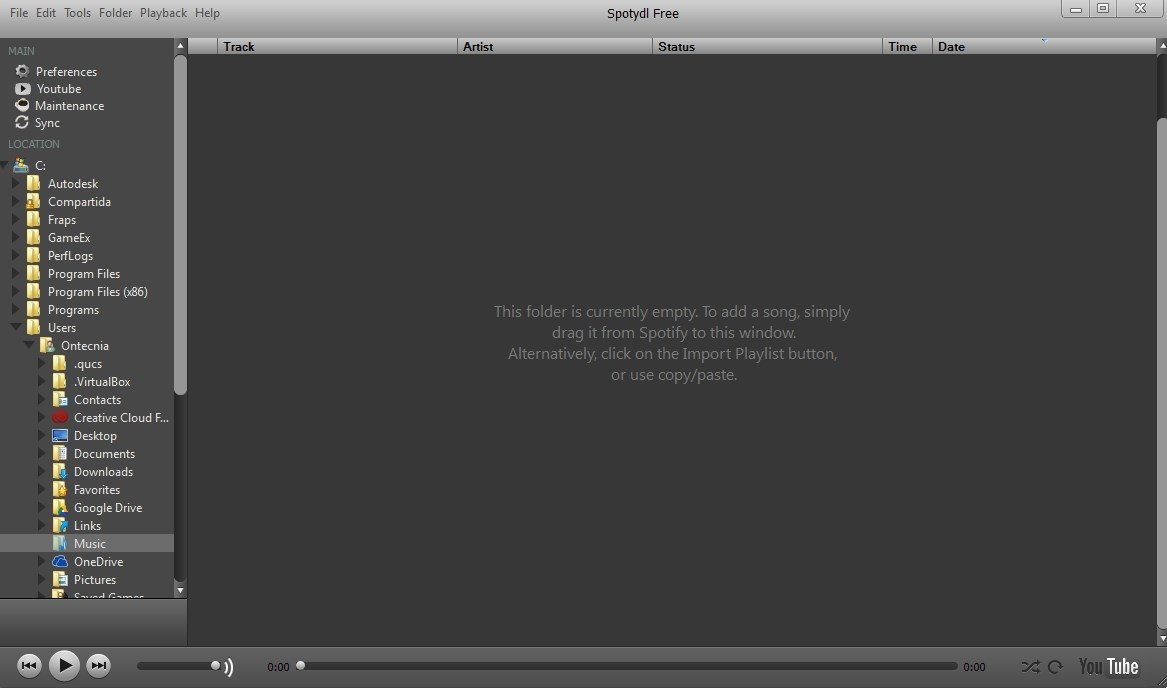
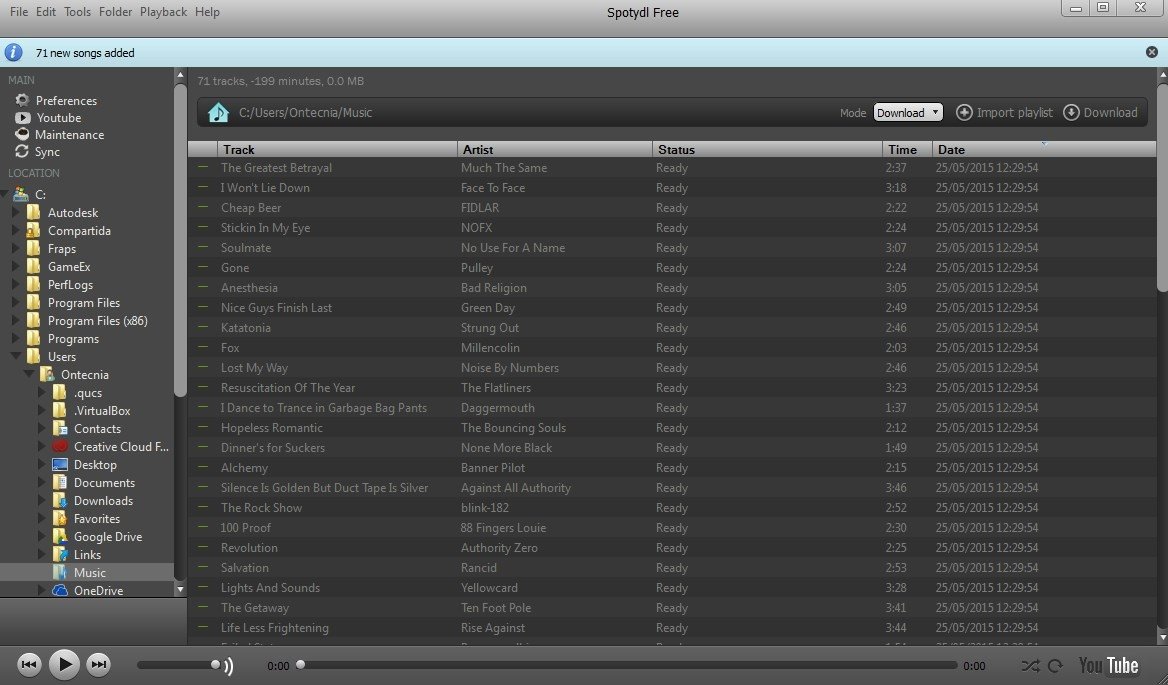
By means of an interface similar to Spotify, this program allows you to import full playlists and download the songs that are part of them. You only have to paste the playlist's URI to start downloading and listening to music on other devices, even without an Internet connection.
Spotify's music for free once you download Spotydl for PC.
These are its main features:
- Import full playlists from Spotify.
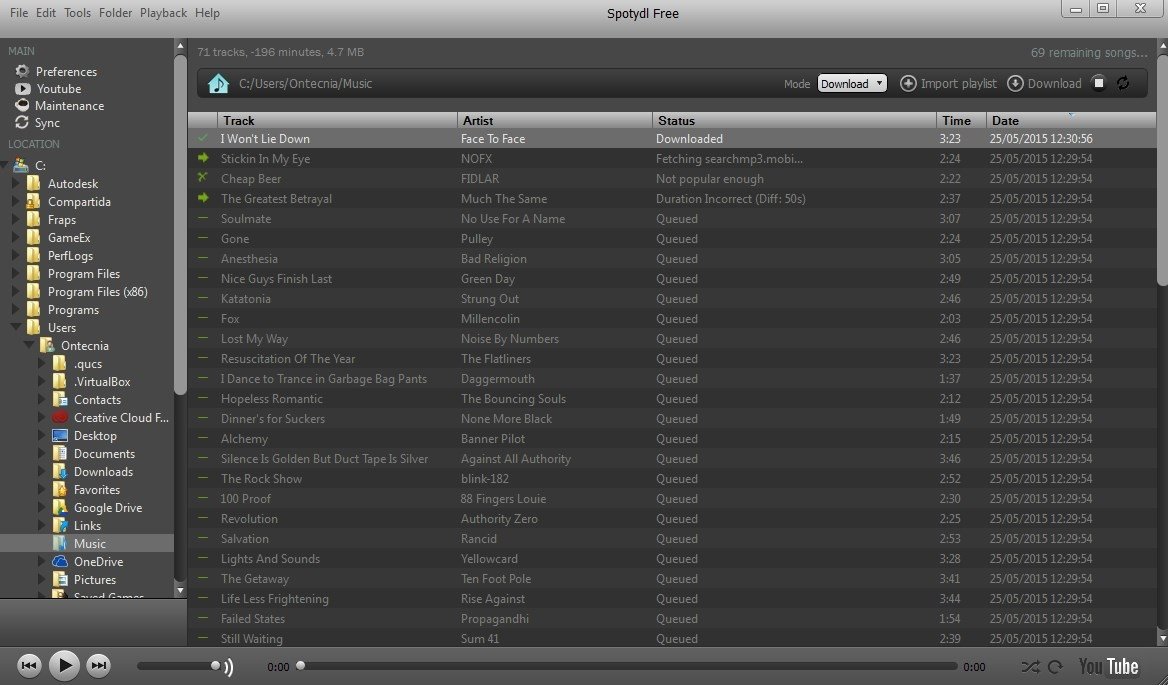
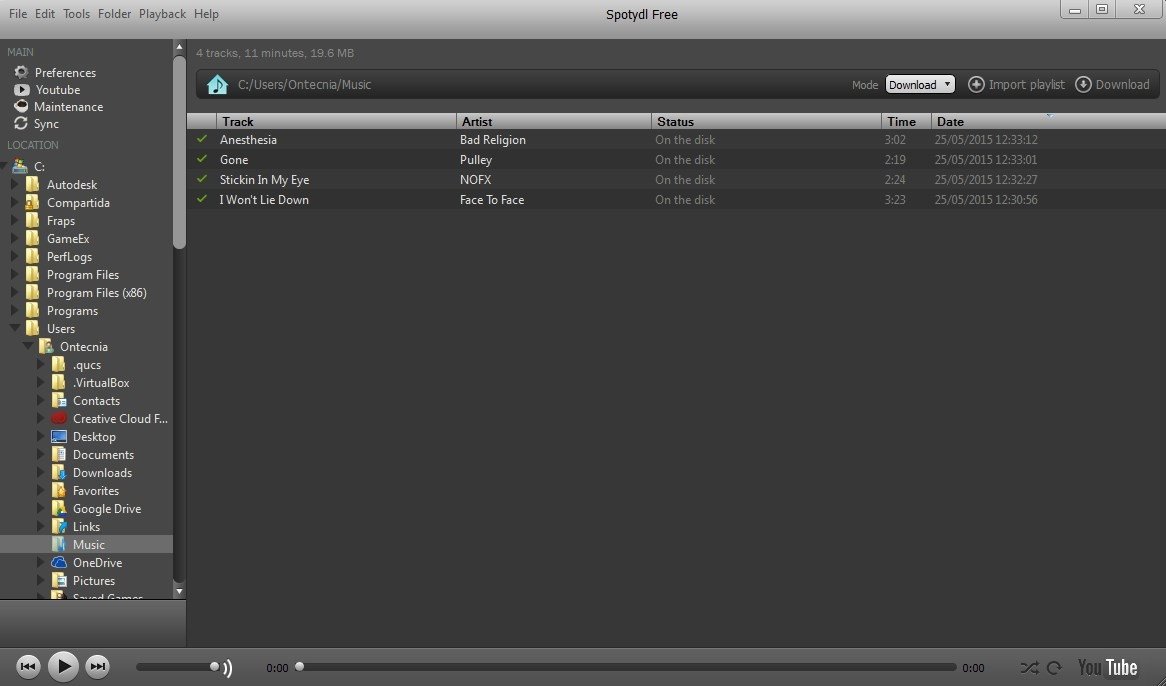
- The progressive download of elements from the list.
- Music player integrated into the application.
- Folder tree to browse around the file system.
- YouTube video viewer.
But, is it capable of downloading music? Is it safe?
Although its developers consider it as a Spotify Downloader, this software doesn't fully comply with that concept: mainly because the Swedish company has already taken care of protecting their business model and they obviously don't want anyone to rip their catalog. That's why this software searches for and finds the songs that are part of the playlists to download them from other webs and sites, including YouTube.
However, it's still one of the fastest methods. There are other systems but are much slower since they record the audio of our PC. In other words, we would have to play the entire list to be able to rip it and have it in MP3 format.
And no, you don't need to be a Premium user; anyone with a free registry (you know, the guys that still listen to music interrupted by adverts) can use this program.
Requirements and additional information:
 Elies Guzmán
With a degree in History, and later, in Documentation, I have over a decade of experience testing and writing about apps: reviews, guides, articles, news, tricks, and more. They have been countless, especially on Android, an operating system...

Antony Peel